01 What it is
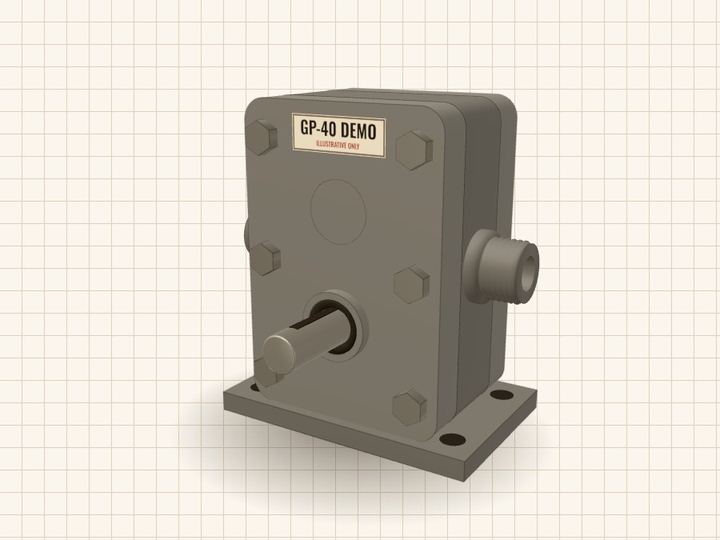
GP-40 Demo
External gear pump
Two gears turn inside a tight casing and move fluid from the inlet to the outlet. Every part you see is drawn by code, not loaded from a model file.
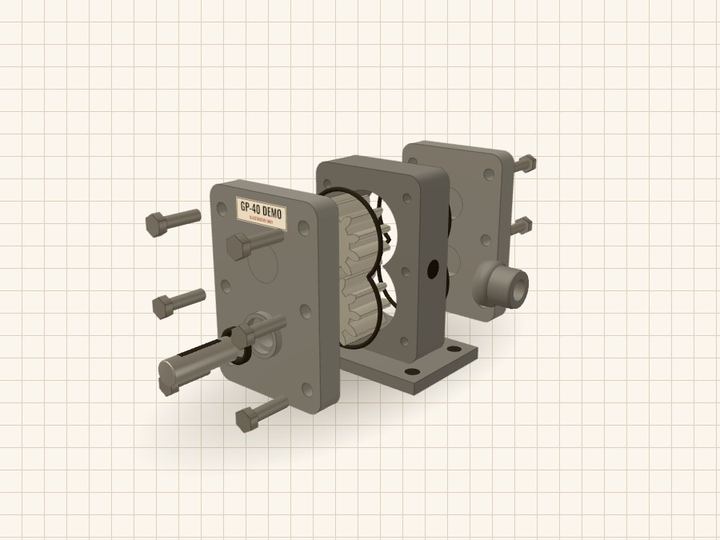
Drag the pump to turn it. Use the slider to take it apart.
02 How fluid moves
Fluid rides the tooth gaps.
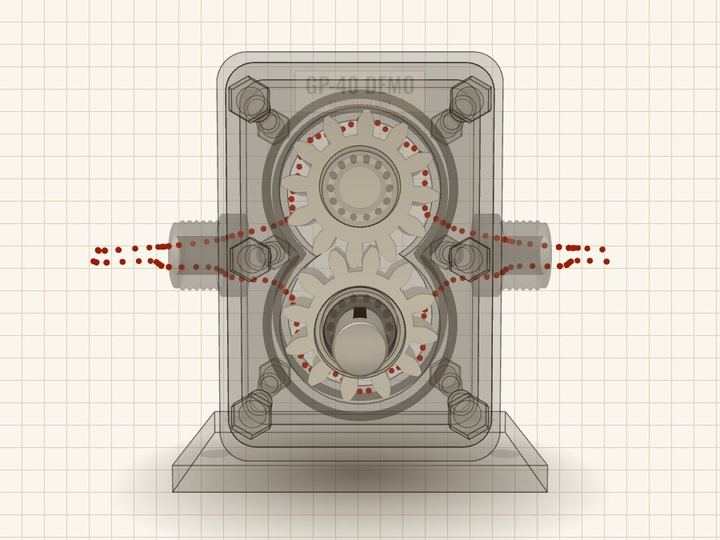
Fluid enters at the inlet and fills the gaps between the teeth as they come apart. The gears carry it round the outside wall. Where the teeth mesh, they squeeze it out of the outlet.
Flow starts paused because your device asks for reduced motion. Press Play to run it.
03 What is inside
Twelve named parts.
The slider slides each part along its own axis, in the order it comes off: bolts, covers, bearings, gears. Tap a number in the picture, or a name here, to see what that part does.
The pump comes apart along its shaft: bolts, covers, bearings, gears. The parts table under Spec lists every part in your build.
04 What wears first
Seal, bearings and O-rings.
These are marked in red. They rub, roll or squash every hour the pump runs, so they are the usual first replacements on a gear pump.
The gear faces and the bore wall wear too, mostly when the fluid carries grit.
05 How to specify one
Pick four options. The pump follows.
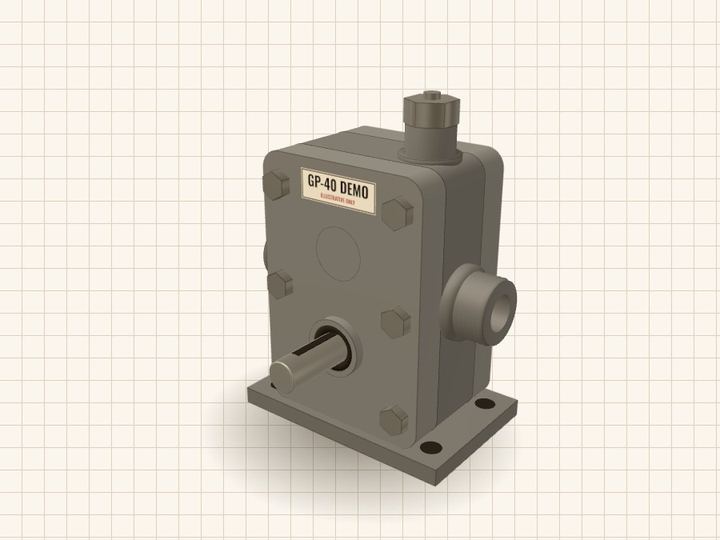
The 3D view, the spec table and the quote text all change together. Some choices are blocked, and the page says why.
Spec for your build
Illustrative figures for the options you picked. They are read from spec.json, so editing that file changes this page with no code change. Change options
| # | Part | Qty | Material |
|---|
Ask for a quote
One button writes your options into an email. No form, no server, no tracking.
About this demo
- Made by Teardown. Plain HTML, CSS and JavaScript with three.js r170, vendored in this folder. No model files, no build step.
- Numbers and part text come from
spec.json. Option rules come fromrules.json. - Not shown here: CAD import, ERP or pricing links, large catalogs, or any real brand.